
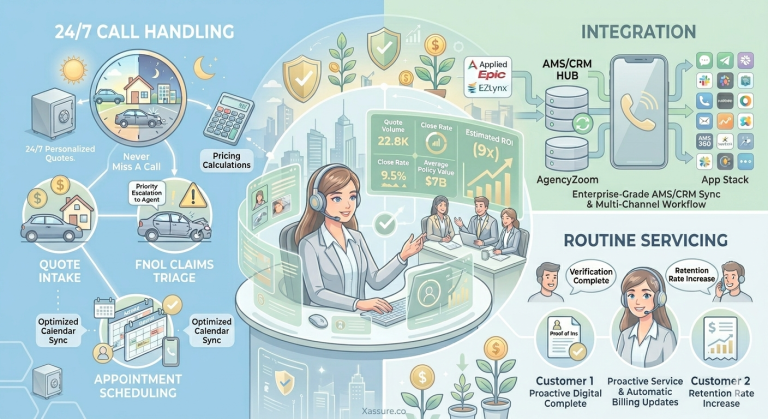
Nearly 40% of calls to insurance agencies go unanswered — and 85% of those callers never try again. (Invoca) For independent agents, that is not a technology problem. It is a revenue problem.
Here we compare the top AI receptionists built specifically for insurance agencies.
7 Top AI Receptionists for Insurance Agents at a Glance – Quick Comparison Table
| AI Receptionists | Best For | Starting Price | AMS Integration | Insurance-Specific Training | Human Handoff |
|---|---|---|---|---|---|
| XAssure | Independent P&C agents, compliance-first agencies | Custom Pricing [14 day free trial] | EZLynx, AgencyZoom, Applied Epic, Hawksoft, QQCatalyst, AMS360, Momentum, AgencyBloc & more | Yes | Yes (hybrid AI + human) |
| Sonant AI | Mid-size to large P&C agencies needing deep AMS integration | Custom | EZLynx, Applied Epic, Hawksoft, QQCatalyst, AMS360, Momentum | Yes (P&C-focused) | Yes |
| Smith.ai | Agencies wanting AI + live human backup | ~$95 setup + per-call | CRM integrations via Zapier | Partial | Yes (hybrid AI + human) |
| Dialzara | Solo agents and small brokerages needing flexible scripts | Custom | Phone/CRM forwarding | Customizable | Yes |
| Upfirst | Budget-conscious solo producers just starting with AI | $24.95/mo | Phone forwarding | Customizable | Yes |
| Eden (RingEden) | Mid-size independent agencies needing out-of-the-box insurance scripts | Custom | Google/Outlook calendar | Insurance-scripted | Yes |
| My AI Front Desk | Agencies already using a broad toolstack and wanting Zapier-based integrations | Custom | 7,000+ apps via Zapier | Customizable | Yes |
Methodology:
We evaluated these platforms on five criteria:
- insurance-specific call handling,
- AMS/CRM integration depth,
- Compliance certifications,
- Pricing transparency, and
- Human escalation quality.
We reviewed publicly available feature documentation, verified case studies, reddit reviews and pricing pages for each vendor. We excluded general-purpose AI phone tools with no insurance-specific workflows or training.
Why Insurance Agents Need an AI Receptionist?
The True Cost of a Missed Call
The math on missed calls is harder to ignore than most agents realize. According to data from the US News and World report, the average annual premium for a personal lines customer is $2,524. Over a typical seven-year client relationship, that one unanswered call could represent more than $10,000 in lifetime revenue – before referrals.
Now layer in volume. Invoca analyzed thousands of inbound calls across industries and found insurance companies miss roughly 39% of all inbound calls.
For a moderately busy agency taking 200 calls a month, that is roughly 78 lost opportunities every 30 days. At a 20% close rate on quote calls, you are looking at significant lost premium revenue each month from calls that literally rang and went nowhere.
Why Voicemail Is Not Saving You
Many agents assume voicemail catches what they miss. The data says otherwise. Number cited by Aircall found that 85% of callers who do not get an answer will not leave a voicemail or call back – they move on to the next agency on their Google search results. Even among callers who do leave a message, only about 20% of people bother listening to voicemails, and a large share ignore unknown numbers entirely.
The pattern is consistent: insurance shoppers search Google, find three or four agencies, and start calling down the list. The first one that picks up gets the conversation. Voicemail does not win that race.
The After-Hours Problem Is Bigger Than Most Agents Think
IIABA data indicates that 47% of insurance inquiries come in outside traditional business hours — evenings, early mornings, weekends, and holidays. If your agency closes at 5 PM and reopens at 9 AM, you are potentially missing nearly half of all incoming business before anyone even sits down at their desk.
Saturday calls are particularly valuable. Thinkjar analysis found that calls received on Saturdays convert at a 23% higher rate than weekday calls. Weekend callers tend to have more time to talk, are not distracted by work, and are often in active decision-making mode. Missing those calls does not just cost leads — it costs your best leads.
The first agency to respond wins the business 35–50% of the time.
What an AI Receptionist for Insurance Actually Does?
Quote Intake
When a prospect calls asking about auto, home, or commercial coverage, a trained AI receptionist does not just take a message. It walks the caller through a structured intake: coverage type needed, property or vehicle details, current carrier, timeline, and contact information. That data gets logged directly into your AMS or CRM, so when your producer follows up, they are walking into a warm conversation and not starting from scratch.
This is the difference between a generic answering service and an insurance-specific one. A general AI tool might ask “What can I help you with?” and leave it at that. An insurance-trained AI knows to ask whether the caller is looking for personal or commercial lines, what their current deductible is, and when their policy renews.
Claims Triage and First Notice of Loss (FNOL)
Claims calls require a different level of response. When a caller says something like “my car was just hit” or “there’s water coming through my ceiling,” urgency detection matters. A well-configured AI receptionist listens for those keywords and routes the call accordingly – either connecting the caller to an on-call adjuster immediately, or logging a detailed FNOL record with property information, incident description, and contact details for next-business-day follow-up.
The key question to ask any vendor here is: what happens when the on-call number does not pick up? Does the system have a fallback escalation path, or does the caller hit a dead end?
Policy Servicing Calls
A large portion of inbound calls to most agencies are not new business. They are existing clients asking routine questions.
- What is my deductible?
- Can you send me proof of insurance?
- How do I add a driver?
- I need to update my address.
These calls are important for client retention, but they do not require a licensed agent to handle.
AI receptionists pull answers from a knowledge base you configure, covering your common coverage types, billing procedures, and carrier contacts. The result is that routine servicing calls get handled immediately, without tying up a CSR who should be working on renewals or new business submissions.
Appointment Scheduling
For new business consultations, AI receptionists can check your calendar availability in real time and book appointments directly complete with confirmation texts and automatic reminders. This is particularly useful for agencies running referral programs or advertising campaigns, where the goal is to convert a caller into a scheduled consultation rather than answer a question.
Storm Surge and Catastrophe Mode
Here is a scenario: your area gets hit by a major hailstorm on a Saturday afternoon. In the next two hours, 30 clients call simultaneously, all with the same question about whether their damage is covered and how to file.
Human staff cannot absorb that kind of spike. A traditional answering service runs out of capacity. But an AI receptionist handles concurrent calls with no degradation. Each caller gets the same calm, accurate response: here is how to document the damage, here is what your policy covers, here is the claims number, and here is what happens next. That kind of consistent response during a catastrophe event is both a client satisfaction win and a liability protection mechanism.
The 7 Best AI Receptionists for Insurance Agents
1. XAssure
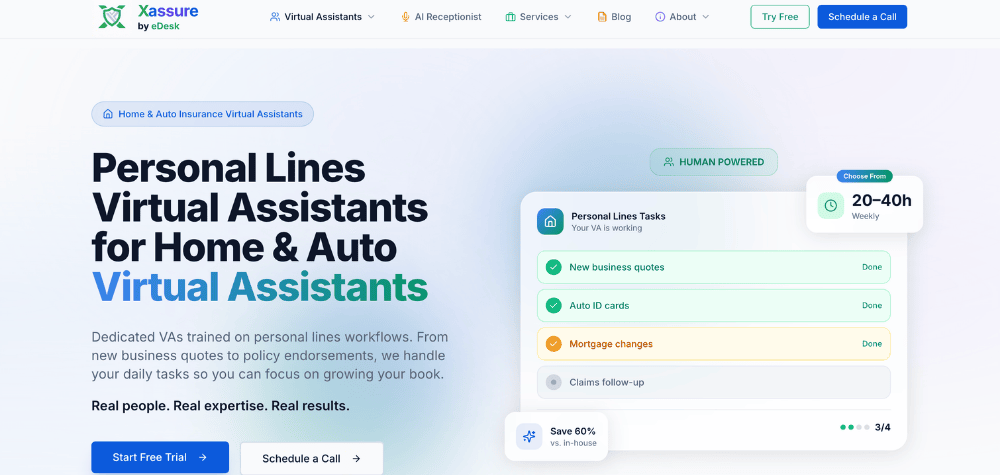
XAssure is built with independent property and casualty agents in mind, particularly agencies that prioritize compliance and data security alongside call coverage. The platform handles inbound quote intake, claims triage, policy servicing inquiries, and appointment booking, with integrations into EZLynx and AgencyZoom for direct AMS logging.
Where XAssure differentiates is in its compliance posture. For agencies handling sensitive client data – Social Security numbers, financial disclosures, claims details – the platform is designed to meet the data handling standards that independent agents in regulated states need to consider. If your agency writes commercial lines or handles professional liability, that compliance foundation matters more than it might for a simple personal lines shop.
Key Capabilities:
- Intelligent Call Answering – AI answers every call within 1.2 seconds. Sounds natural, handles complex conversations, and never puts clients on hold.
- FNOL Claims Intake – Captures First Notice of Loss claims 24/7 with all required details, automatically creating tickets in your system.
- Appointment Scheduling – Books appointments directly on your calendar, checks availability, sends confirmations, and handles rescheduling.
- Policy Verification – Verifies policy details in real-time during calls. Confirms coverage, effective dates, and premium information.
- Intelligent Transfers – Knows when to transfer to a human. Routes calls to the right agent based on expertise and availability.
- Detailed Call Summaries – Every call is transcribed and summarized. Get action items, follow-up tasks, and complete conversation logs.
Best for: Independent P&C agents and compliance-first agencies who want insurance-specific call handling without sacrificing data security.
Limitation: As with most insurance AI platforms, pricing is customized to agency size and call volume. Expect a consultation before getting a number.
Note on E&O Risk: An AI receptionist that gives inaccurate coverage information – or mishandles a FNOL call can create professional liability exposure. Before going live with any platform, have your E&O carrier review the call scripts for the scenarios most likely to trigger a claim. This is not a reason to avoid AI receptionists; it is a reason to configure them carefully.
2. Sonant AI
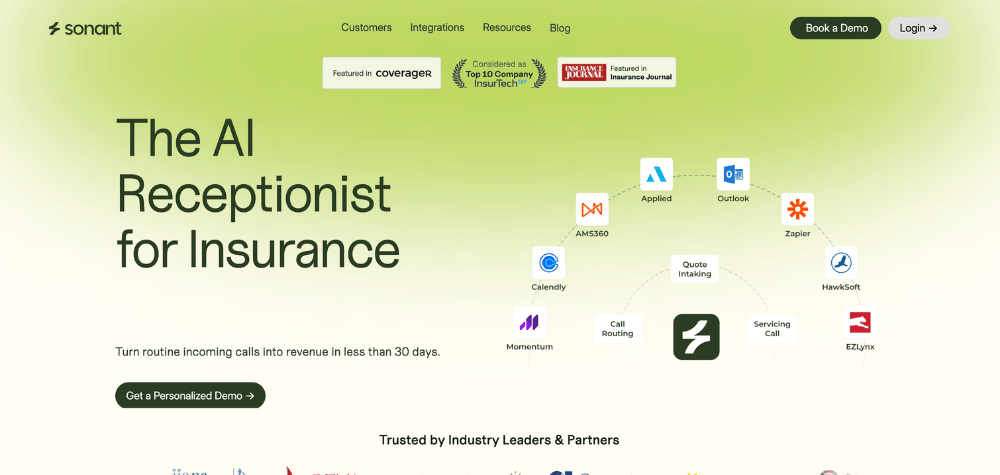
Sonant is the most purpose-built option for P&C insurance agencies in this comparison. The platform was developed exclusively for property and casualty agencies, and it shows. Sonant comes pre-trained on P&C terminology — loss runs, endorsements, certificates of insurance, additional insureds — without requiring custom training.
The AMS integration depth is unmatched in this category. Sonant has native connections to EZLynx, Applied Epic, Hawksoft, Momentum, QQCatalyst, AMS360, and AgencyZoom, which means call summaries and intake data sync directly into your system of record without a Zapier workaround. That matters for data accuracy. When a caller provides their policy number and vehicle details at 9 PM, it should be in your AMS before your producer arrives at 8 AM the next morning – not in a spreadsheet someone needs to manually enter.
Best for: Mid-size to large independent P&C agencies that need the deepest available AMS integration and are willing to invest in an enterprise-grade solution.
Limitation: Pricing is custom and positioned at the higher end of the market. Not the right fit for a solo producer or small agencies looking for a low-cost entry point.
3. Smith.ai
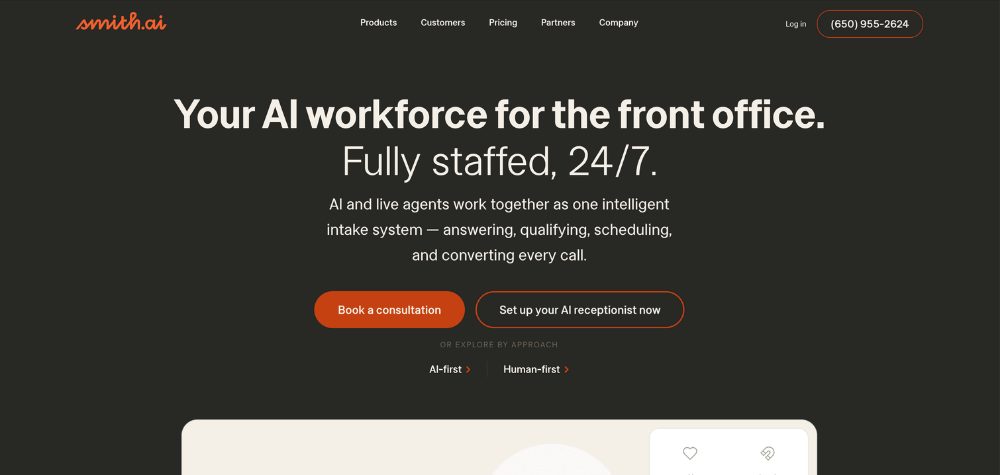
Smith.ai takes a different approach than the AI-only platforms: it uses a hybrid model where AI handles routine calls and a team of live, North America-based agents steps in for complex or sensitive situations.
For insurance agencies, this hybrid model has a real advantage. When a caller is distressed — a flooded basement at midnight, a car accident with injuries — the quality of the human handoff matters significantly. Smith.ai’s model means there is always a real person available if the situation calls for it, which reduces the risk of a caller hanging up frustrated because the AI could not handle an edge case.
The trade-off is cost. Smith.ai starts with a $95 setup fee and charges per interaction, which means pricing scales with call volume. For busy agencies, monthly costs can climb above what a fully automated AI platform would charge. CRM and AMS integrations are handled primarily through Zapier rather than native connections.
Best for: Agencies where call quality and human judgment on sensitive calls is the top priority, and where budget allows for the hybrid premium.
Limitation: Higher cost at volume; no native AMS integrations without a Zapier setup.
4. Dialzara
Dialzara is built for flexibility. The platform lets agencies customize call scripts by call type, making it a reasonable choice for multi-line agencies that handle everything from personal auto to commercial contractors liability under one roof. Each call type — quote request, claims inquiry, billing question, renewal — can have its own scripted flow.
The seven-day free trial is the lowest-risk entry point in this comparison. For an agency that is skeptical about whether AI will work for their specific book of business, being able to run a live test without committing is valuable.
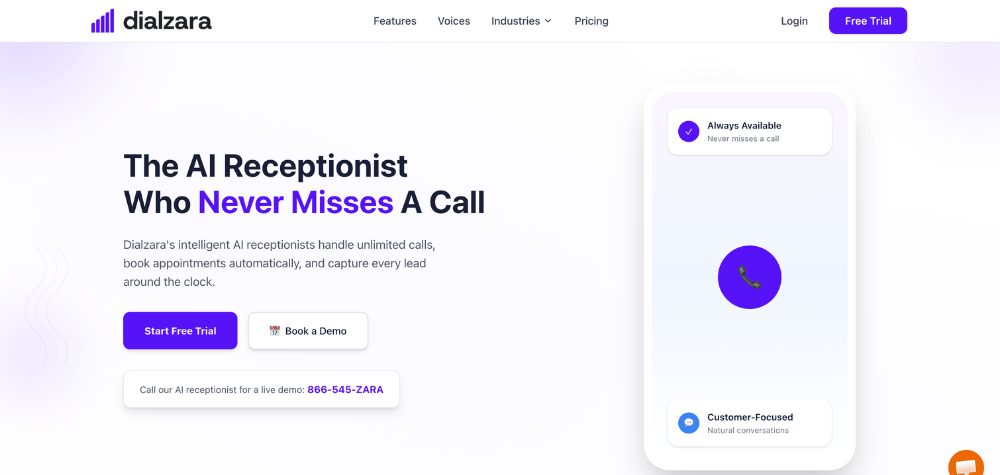
Best for: Solo agents and small independent brokerages handling diverse lines of business who want flexible intake scripts and a low-risk trial period.
Limitation: No native AMS integrations out of the box; relies on phone forwarding and CRM connections.
5. Upfirst
At $24.95 per month, Upfirst is the most accessible option in the group. The platform is designed for fast setup — under 30 minutes — and positions itself squarely at solo producers and agents who are new to AI tools and want to start small.
The core use case is after-hours coverage. For an agent working alone who loses every call that comes in after 5 PM, Upfirst captures those leads and logs them for morning follow-up. It is not the most feature-rich option, but it solves the most common problem for its target user without requiring technical setup or a significant financial commitment.
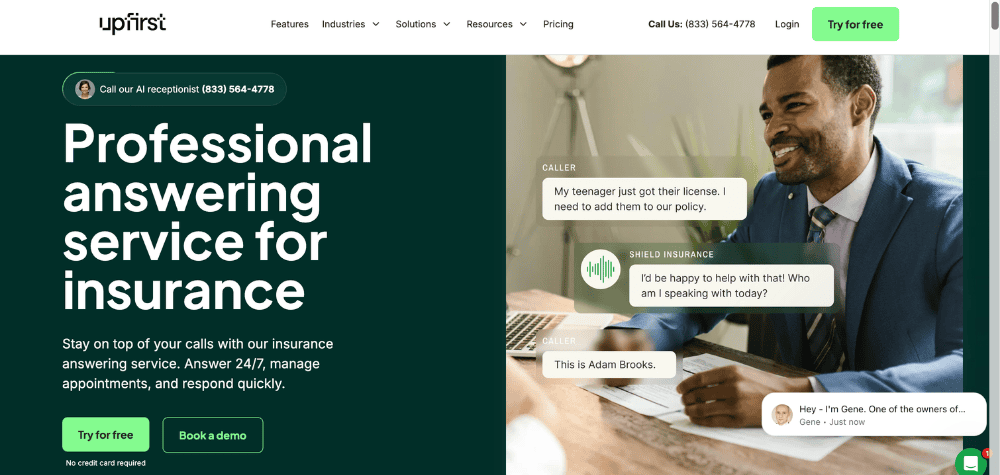
Best for: Budget-conscious solo producers who want a simple, fast way to stop losing after-hours leads.
Limitation: Limited AMS integration depth; not designed to scale to a multi-CSR agency with complex intake requirements.
6. Eden (RingEden)
Eden comes pre-loaded with insurance-specific scripts, which cuts setup time significantly for agencies that do not want to build their call flows from scratch. The platform covers quote intake, emergency routing for claims, and appointment booking through Google and Outlook calendar integrations.
Eden’s emergency triage routing deserves specific mention. The platform is built to detect urgency in claims calls and immediately connect critical situations to an on-call agent, rather than just logging the call for next-day follow-up. For P&C agencies that write homeowners or auto policies, that distinction matters at 2 AM during a storm.
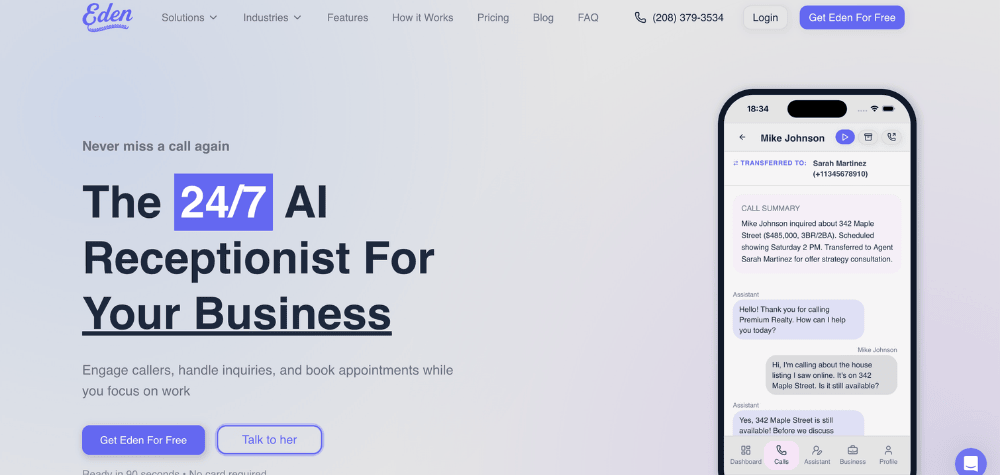
Best for: Mid-size independent agencies that want insurance-scripted calls out of the box and solid emergency routing without a lengthy configuration process.
Limitation: Calendar integration is primarily Google and Outlook; AMS sync requires additional configuration.
7. My AI Front Desk
My AI Front Desk’s main advantage is breadth of integration. Through Zapier, the platform connects to over 7,000 apps, which makes it a practical choice for agencies already running a stack of tools — a CRM, a scheduling tool, a marketing platform — and wanting their AI receptionist to plug into all of it without building a custom integration.
The platform is customizable by call type and works across industries, which is both a strength and a limitation. You get flexibility, but you also get a platform that is not natively trained on insurance terminology. That means more upfront configuration work to get the call flows right for quote intake or FNOL situations.
Best for: Agencies already using a broad toolstack who want maximum integration flexibility through Zapier.
Limitation: Not purpose-built for insurance; requires more script customization to match the quality of insurance-specific platforms.
5 Features That Actually Matter (and 2 That Don’t)
Features That Matter
1. Native AMS integration vs. Zapier workaround. This is the biggest difference between platforms and one that most comparison articles gloss over. A native integration means call data syncs directly into your AMS — EZLynx, Applied Epic, AMS360 — in real time, formatted correctly, and without an intermediary step. A Zapier-based integration adds a layer that can break, delay, or mismatch data. For an agency relying on call data to trigger follow-up workflows, the reliability difference is significant.
2. Insurance-specific training vs. generic NLP. A general-purpose AI tool knows how to have a conversation. An insurance-specific one knows what “additional insured” means, can distinguish between a liability question and a coverage question, and knows not to make coverage recommendations it is not authorized to make. Agents who have tried generic tools often come back to insurance-specific platforms after the first time a caller asks about their umbrella policy and the AI responds with confusion.
3. Human escalation quality. Every platform in this comparison offers some form of human handoff, but the quality varies significantly. A warm transfer where the AI briefs the receiving agent before connecting the call is meaningfully different from a cold transfer that drops the caller into a queue. Ask vendors specifically how handoffs work and what information is passed to the human agent.
4. Call summary and automatic AMS logging. After each call, what gets recorded and where? The best platforms generate a structured call summary – caller name, coverage type requested, key details discussed, action items and log it directly into your AMS with no manual entry. This is where AI receptionists pay for themselves in staff time savings.
5. Emergency triage logic. How does the system respond to a caller who says “I just had an accident” or “my pipes burst”? Verify the exact decision tree and not marketing language about “24/7 availability” before you commit to a platform for claims-adjacent call handling.
Features That Are Often Oversold
1. Voice customization. Most platforms offer multiple voices, accents, and tone settings. In practice, callers care about whether their question gets answered accurately, not whether the AI sounds like it has a warm Midwestern accent or a crisp professional tone. This is worth five minutes of setup, not five minutes of a sales demo.
2. Chat and SMS add-ons. If your book of business is primarily 45+ clients in personal lines, the overwhelming majority of client communication happens by phone. SMS follow-up integrations sound useful in a demo but often go underused unless your agency has already built a texting workflow into its process. If you are primarily trying to solve your missed call problem, do not let a robust texting module justify a higher price tier.
What agents told us they wished they’d known before choosing: The agencies that are happiest with their AI receptionist are the ones that started with a specific problem, usually after-hours call coverage and chose a platform that solved that problem well. The ones who are frustrated chose based on feature count rather than fit.
How to Calculate ROI Before You Buy
The Formula
(Monthly missed calls × average annual policy premium × estimated close rate) ÷ 12 − monthly AI tool cost = net monthly gain)
Here’s a Scenario to Consider
Say your agency takes 200 inbound calls per month. Based on the Invoca data, roughly 39% go unanswered — that is about 78 missed calls. Your average annual premium across your book is $1,200, and your close rate on quote calls is 20%.
78 missed calls × $1,200 × 20% = $18,720 in potential annual recovered revenue, or $1,560 per month.
If the AI tool costs $300/month, the math suggests a net monthly gain of $1,260 — before accounting for staff time savings on routine calls.
You can run this with your own numbers. Pull your inbound call log from last month, estimate what percentage rang to voicemail or went unanswered, and use your actual average policy premium.
What a Realistic Payback Period Looks Like
Xassure’s case study with an Insurance agency showed 9X ROI in 30 days. That is the ceiling scenario, representing a well-configured platform in an agency with a significant call volume problem. Most agencies should expect a more typical payback window of 50 to 80 days once the platform is fully configured and call scripts are dialed in.
Hidden Costs to Factor In
AI receptionists are not zero-effort after launch. Factor in setup time (typically 4–8 hours for configuring scripts, knowledge base, and escalation rules), a weekly review of call transcripts during the first month, and occasional script updates when your carrier lineup or coverage offerings change. These are manageable, but they are real costs that should be part of your ROI calculation.
How to Set Up and Onboard Your AI Receptionist for Insurance (Week by Week)
Here is what realistic onboarding looks like.
Week 1: Configuration
Decide whether you want to forward your existing main number to the AI, or set up a dedicated number for it. Most agencies start with a dedicated after-hours forwarding number – this gives you full control without disrupting your daytime call flow.
Record your greeting, upload your FAQ content (carriers you write with, coverage types you offer, business hours, claims contacts), and provide your team roster with who handles which call types.
Week 2: Script Build and Internal Testing
Configure scripts by call type: new quote requests, existing client servicing, claims calls, billing inquiries. Set your escalation rules – who gets called for what, at what hours, and what happens if they do not pick up.
Run internal test calls before going live. Call in as a prospective client asking for an auto quote. Call as a client asking about a claim. Listen to how the AI handles edge cases — an unusual coverage question, a caller who switches topics mid-conversation.
Week 3: Go Live on After-Hours First
Start with after-hours only. This is the lowest-risk entry point because the alternative is voicemail, which is already failing. After-hours also gives you clean test conditions – you will know every call is being handled by the AI, and you can review transcripts each morning.
In our experience reviewing these tools across agencies, the operations that see adoption fastest are those that start with after-hours coverage rather than switching everything to AI on day one.
Week 4: Review and Refine
Go through call transcripts from the first three weeks. You will find patterns: a question the AI answered incorrectly, a call type you did not build a script for, a phrasing that confused the AI. Update your knowledge base accordingly.
Most platforms let you add FAQ entries directly. Some let you review and edit call summaries before they sync to your AMS. This monthly audit habit is what separates agencies that keep improving their call quality from those that set it up and forget it.
Ongoing Maintenance
Update your knowledge base any time you add or drop a carrier, change your team roster, or update your coverage offerings. Review call transcripts at least once a month. After a major storm or catastrophic event, review how the AI handled surge volume and whether your escalation rules worked as intended.
Frequently Asked Questions
This is the most common objection from agents considering this technology, and the honest answer is: it depends on how the AI is configured and how good the platform is. Modern AI receptionists like Sonant and XAssure use natural language processing that can carry a realistic conversation, not the robotic press-1-for-billing experience people associate with old IVR systems.
Most agencies disclose upfront that the caller is speaking with an automated assistant. This is both the honest approach and increasingly the legally prudent one. Some state consumer protection regulations require disclosure. Check your state’s rules before deciding whether to position your AI as a named “virtual assistant” or simply as your after-hours answering service.
Every platform in this comparison supports human handoff. The quality of that handoff varies — a warm transfer that briefs the receiving agent is meaningfully better than a cold transfer. Ask any vendor you are evaluating exactly what their escalation flow looks like: what triggers a handoff, what information gets passed to the human, and what happens if the escalation contact does not pick up.
For callers who are explicitly uncomfortable with AI, having a clear “press 0 to reach our team directly” option is both good service and good E&O hygiene.
This is a legitimate concern, particularly for agencies handling sensitive personal information. Look for platforms with SOC2 Type 2 certification as a baseline — it means the vendor has undergone an independent audit of their security controls. Sonant AI and XAssure both carry this certification.
For call recording, most states require at least one-party consent disclosure. Your AI greeting should include language like “this call may be recorded” to cover your agency. Some states — California, Florida, Illinois, among others — require all-party consent. If you write business in those states, verify your platform’s call recording disclosure process before going live.
Data handling for FNOL and claims calls requires particular attention. Verify with your platform that call transcripts and intake data are stored in compliance with your state’s insurance data privacy requirements, and that your E&O carrier is aware of how you are handling FNOL documentation.
Most platforms like Xassure, Sonant can handle multi-line intake if you configure separate scripts for each. The practical limitation is that commercial lines calls, a general contractor asking about a BOP, a restaurant owner asking about liquor liability — are significantly more complex than personal lines. The questions are harder to script, the caller often does not know exactly what they need, and the intake process requires more back-and-forth.
For commercial lines, AI receptionists work best as a first-touch intake tool that captures contact information and the general nature of the inquiry, then flags the call for a producer follow-up. They are not a replacement for a licensed commercial lines CSR in a complex account situation.
This is exactly where after-hours AI coverage earns its keep. A well-configured AI receptionist captures the caller’s name, policy number, property address, nature of the loss, and current contact information. It provides the caller with immediate next steps — document the damage with photos, call 911 if safety is at risk, and expect a call from your agent by 8 AM. It can also trigger an automatic notification to your on-call number.
What it should not do is make coverage determinations. The AI should never confirm or deny whether a specific loss is covered. That is a licensed professional’s responsibility, and any platform that scripts coverage confirmations into its responses is creating liability for your agency.
Short answer is no. AI receptionists handle the repetitive, high-volume work well like after-hours calls, quote intake, appointment booking, and routine policy questions. But experienced CSRs do things AI cannot: they read tone, catch coverage gaps mid-conversation, and manage relationships with clients who need a real person. Most agencies find AI shifts the receptionist role rather than eliminating it, freeing up staff for the conversations that actually require judgment and licensed expertise.
Some do and others like Xassure offers free AI receptionist for 14 days with full features. Post which you can take the subscription if you are satisfied with the tool. Free tool will always have limited features and may not be usable for heavy tasks.